Technical Tips for PS5 Owners: How to Optimize GTA 6 on the Base Console
Experts and gamers share practical steps to reduce technical glitches and improve graphic performance in Grand Theft Auto 6 on the standard PlayStation 5.
 🎭Culture & Sport
Photo: RBC-Ukraine
Key points
- Clearing system cache in safe mode on PS5
- Disabling HDCP in HDMI settings
- Adjusting Motion Blur settings in-game
- Recalibrating HDR and enabling TV game mode
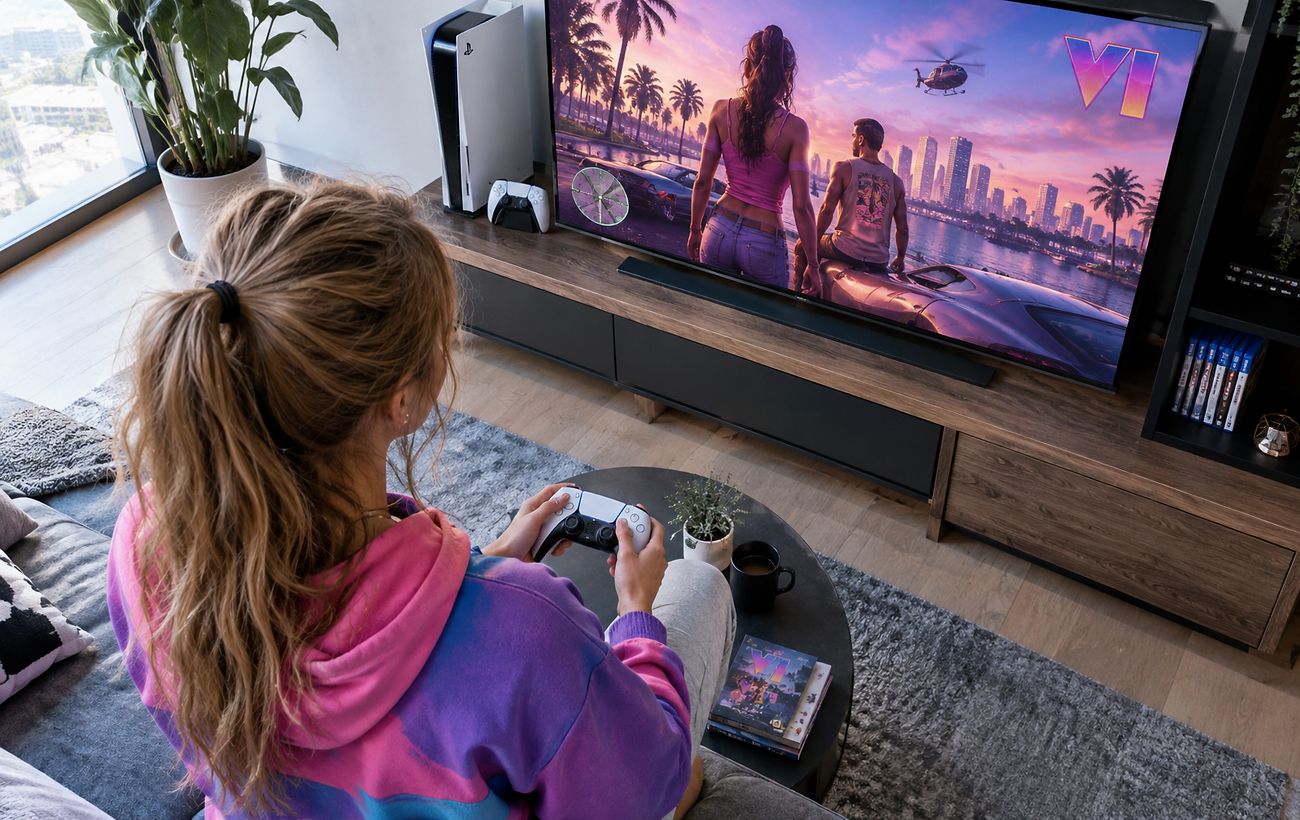
The highly anticipated release of Grand Theft Auto 6 brings global attention, yet players using the base PlayStation 5 console report certain hurdles during gameplay. These include frame rate drops below 30 FPS during intense action sequences, occasional crashes, and noticeable image blurring due to the hardware's lack of advanced hardware scaling support.
Methods to Enhance System Stability
Since standard reinstallation methods do not always resolve performance issues, the gaming community suggests specific technical steps. Users recommend booting the console into safe mode to clear the system cache and rebuild the database, alongside disabling the HDCP setting within the HDMI menu.
While these actions help smooth out micro-stutters, they cannot fully bridge the hardware gap compared to newer console iterations. Analysts from Digital Foundry note that the base model renders images at a 1440p resolution using spatial upscaling, which inherently creates a softer visual output.
Adjusting In-Game Graphics Settings
Players can further refine image clarity directly within the game's display settings by adjusting the Motion Blur Strength slider. Reviewers advise against completely disabling motion blur to avoid overly jittery camera movements, suggesting users tailor it to their specific display type instead.
Additionally, recalibrating HDR settings and ensuring that the television's dedicated game mode is active can significantly reduce input lag. These simple adjustments help create a more stable and visually pleasing experience on standard console hardware.
Source RBC-Ukraine — rbc.ua/ukr/news/gta-6-ps5-mozhe-pratsyuvati-krashche-ki-nalashtuvan… ↗
Read next
 🚌Transport
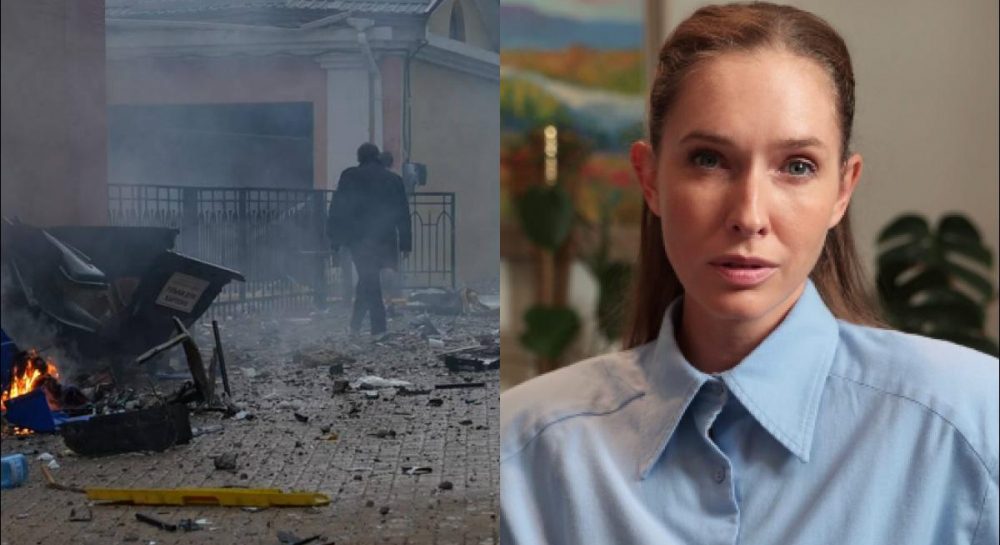
TV host Kateryna Osadcha survives enemy drone attack in central Kyiv during massive shelling
Ukrainian TV presenter Kateryna Osadcha found herself at the epicenter of a drone strike in Kyiv and shared her emotional reaction.
 👥Society
Military justice in Ukraine: why human rights advocates warn against separate courts
Discussions on restoring military courts continue in parliament, but the Pryncyp human rights center urges focusing on the specialization of civil judges instead.
 🏙️City
Finnish President Reveals Details of Trump, Xi and Putin Summit Regarding Ukraine
Alexander Stubb stated that the US insisted on removing the Ukrainian section from the joint declaration of the three leaders.
 👥Society
Parliamentary oversight of anti-corruption bodies: NABU and SAPO heads summoned to Temporary Inquiry Commission
The head of the Temporary Inquiry Commission, Oleksiy Honcharenko, summoned the heads of NABU and SAPO to a committee meeting, explaining it as a necessity for parliament…
 👥Society
Strikes on Russian Oil Facilities: General Staff Confirms Pumping Station Hit in Tatarstan
Ukrainian Defense Forces successfully targeted a key oil pumping station in Russia's Republic of Tatarstan, damaging large storage tanks.
 💼Economy
Historic contact: Isolated Amazonian tribe asks for food amid severe deforestation
Dozens of members from a previously uncontacted Awá community in Brazil have emerged from the forest to request food, shocking anthropologists.